Owner's options
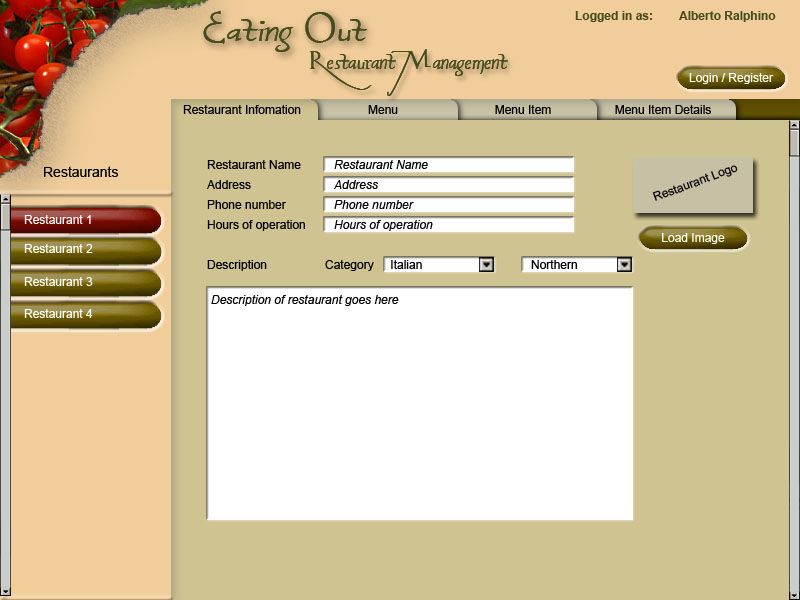
Once the restaurant user logs into the system, his or her restaurants appear at the left part of the screen. If the owner clicks on one of the restaurants, the Restaurant information tab appears at the right part of the screen. The owner can changes information and category of the the restaurant.
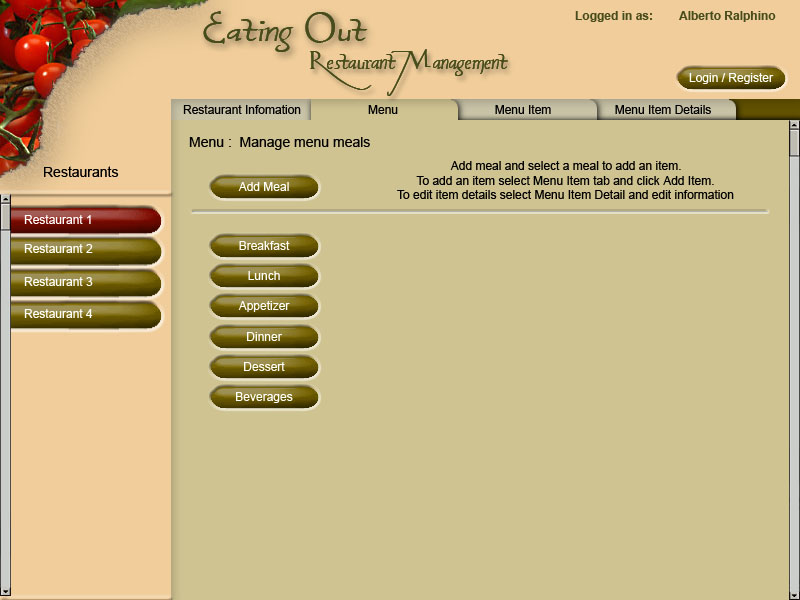
In the menu tab, the owner can add and manage the items in the menu.