Functional Design
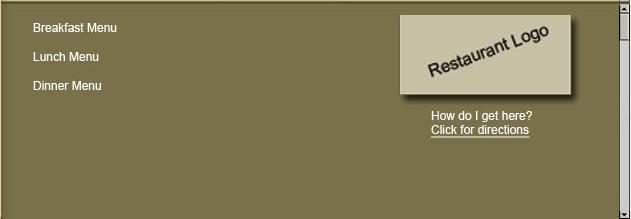
Upon selecting a restaurant, the details of it will be displayed to the user.
The details are, the name of the restaurant, address/phone no., and hours of
operation, and link to location map. User can get detailed directions from the
current location to the restaurant on the map by ‘clicking on directions’. It
also takes the user the next menu list depending on the user’s choice of
breakfast, lunch or dinner. A vertical scroll bar helps the user to view all the
details here.
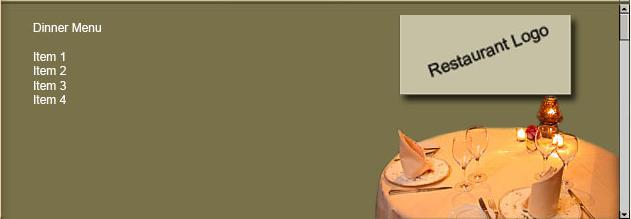
In this window, the list of items available for breakfast, lunch, and dinner can be viewed through vertical scrolling.
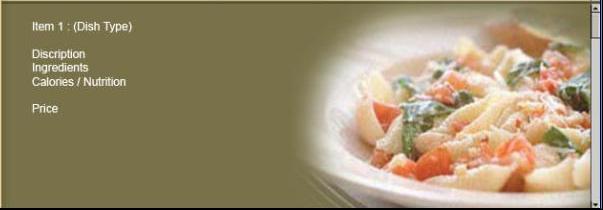
Selecting any item from breakfast, lunch, or dinner menu list, will display the item description, ingredients used, nutritional facts, and price. A sample picture of that item also will display on the right side of the window that can be viewed using a vertical scroll bar.
Recommended Widgets
Web building tools such as Dreamweaver and graphical aid tools like Adobe Photoshop can be used to build this application.